Quick Facts
- Time Required: 30 minutes.
- Average Savings: $300 to $500 per year for the typical household.
- The Problem: 42% of consumers continue to pay for at least two streaming services they haven't accessed in over 90 days.
- The Solution: A systematic "Keep, Cancel, Review" audit of your last 60 days of spending.
- Top Strategy: Rotating services or switching to ad-supported tiers can reduce monthly overhead by 35%.
Your bank account has a silent leak. It’s not a one-time emergency repair or a splurge on a luxury vacation; it’s a slow, steady drip of $9.99, $14.99, and $19.99 charges that you’ve stopped noticing. We live in the "Subscription Economy," where everything from your morning coffee to your cloud storage is sold as a recurring fee. Individually, these charges feel insignificant. Collectively, they are "Subscription Creep," and they are likely cannibalizing your ability to save for the things that actually matter.
Most people avoid a budget audit because it feels like a weekend-long chore. I’m telling you that you can plug the leak in 30 minutes. This isn't about deprivation—it's about intentionality. It's about ensuring that every dollar leaving your account is actually providing value to your life today, not just paying for a ghost of a habit you had three years ago.
What is Subscription Creep?
Direct Answer: Subscription creep refers to the gradual accumulation of recurring charges for digital services, apps, and memberships that stack up over time. It often happens because free trials convert to paid plans without notice, annual renewals are forgotten, or users simply stop using a service but fail to cancel the billing.
Subscription creep is a modern financial phenomenon designed to exploit human psychology. Companies know that once they have your credit card on file, the "friction" of canceling is often higher than the perceived pain of the monthly fee. This is how 42% of consumers end up paying for streaming services they haven't touched in three months. By the time you realize you’re paying for three different music apps and a fitness platform you haven't logged into since January, you’ve already lost hundreds of dollars.
Step 1: Hunting for Every Recurring Charge
To fix the problem, you first have to find it. You cannot rely on your memory; the subscription model is built to be forgotten. You need a paper trail.
Start by pulling up your bank and credit card statements from the last two months. Why two months? Because many services bill bi-monthly, and looking at 60 days of data ensures you don't miss those "staggered" payments. As you scroll through, look for the small, recurring amounts that don't have a physical store name attached.
Direct Answer: The fastest way to find every subscription is to audit bank and credit card statements from the past two months, check subscription settings on the Apple App Store or Google Play Store, and search your email inbox for keywords like 'renewal', 'membership', 'trial', or 'receipt'.
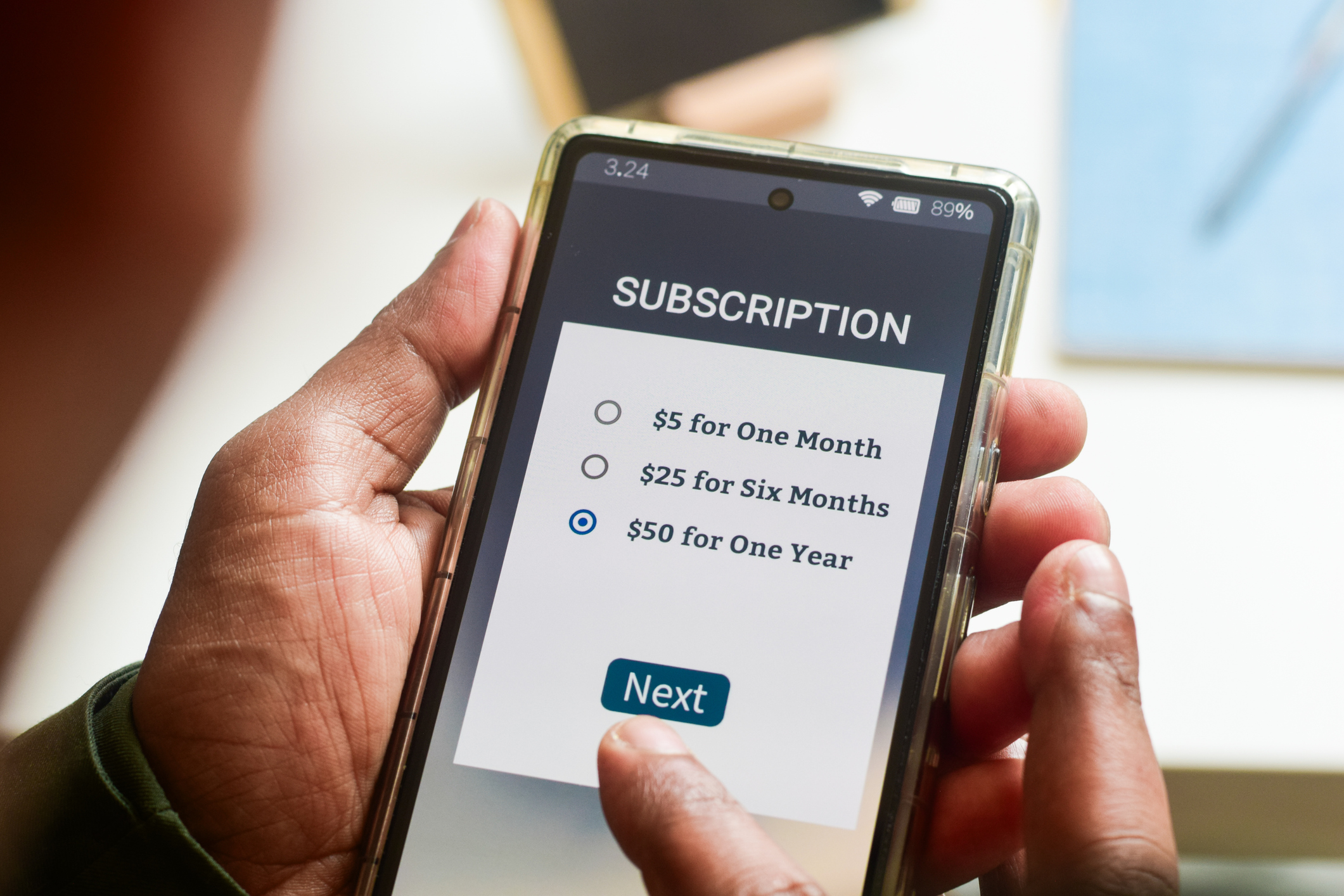
Many of your "leaks" aren't in your bank statement as clear names—they are hidden behind "Apple.com/Bill" or "Google Play." You must go into your phone's settings, click on your Apple ID/Google Account, and view "Subscriptions" to see the apps that are draining your balance $2.99 at a time.
Step 2: The 'Keep, Cancel, or Review' Framework
Once you have your list, don't just look at it—categorize it. I recommend using a simple 3-column template to visualize the damage. You want to identify "Zombie Subscriptions"—those services that have not been used in the last 30 days but are still being billed.
| Service Category | Monthly Cost | Usage Frequency | Action |
|---|---|---|---|
| Entertainment (Netflix/Hulu) | $15.99 | Daily | Keep |
| Niche Hobby (Masterclass) | $15.00 | None (90 days) | Cancel |
| Digital Storage (iCloud/Drive) | $2.99 | Constant | Keep |
| News/Magazine | $10.00 | Rarely | Review / Downgrade |
Direct Answer: A subscription audit typically saves a household between $300 and $500 per year by identifying and eliminating 'zombie' subscriptions that provide no current value to the user.

Be ruthless. If you haven't used the service in the last 30 days, it's a candidate for cancellation. Remember: canceling isn't a permanent goodbye. You can always resubscribe in 30 seconds if you truly miss the content. Until then, that money belongs in your pocket.
Step 3: Strategic Cancellation and Downgrading
You don't have to cut everything to zero to see massive gains. The goal is to optimize. Statistics show that by switching to ad-supported tiers or rotating services instead of paying for all simultaneously, the average user can reduce their monthly subscription overhead by 35% without losing access to their favorite content.
The Rotation Strategy Instead of paying for Netflix, Disney+, Max, and Paramount+ all at once, pick one for the month. Watch the show you wanted, then cancel and move to the next platform the following month. You’ll find you never actually run out of things to watch, but your bill stays at $15 instead of $60.
Timing the Kill When you cancel, most services allow you to keep access until the end of the current billing cycle. Don't wait until the day before the renewal; cancel the moment you decide you don't need it. This prevents the "I forgot to cancel" charge next month.
Step 4: Bundling and Optimization
Before you keep a subscription, check if you're already paying for it elsewhere. This is one of the most common ways money is wasted.
- Cell Phone Plans: Many unlimited plans from T-Mobile, Verizon, or AT&T include "free" Netflix, Hulu, or Disney+. If you’re paying for these separately, you’re throwing money away.
- Credit Card Perks: Amex, Chase, and others often offer monthly credits for streaming services or gym memberships. Check your "Benefits" tab.
- Retail Bundles: If you pay for Amazon Prime, you already have Prime Video and a version of Amazon Music. If you use Walmart+, you might get Paramount+ for free.
- Family Plans: Consolidating individual accounts for Spotify or YouTube into a family plan can cut the per-person cost by 50% or more.
Step 5: Setting Guardrails to Prevent Re-Creep
The audit is only successful if the creep doesn't return next month. You need a system to protect your progress.
- The 'One-In, One-Out' Rule: Before you sign up for a new service, you must cancel an existing one of similar value. This keeps your "Subscription Overhead" at a fixed ceiling.
- Use a Dedicated "Bills" Card: If possible, put all recurring subscriptions on one specific credit or debit card. This makes your monthly audit take five minutes instead of thirty because you only have one statement to check.
- The 24-Hour Rule for Free Trials: Never sign up for a free trial unless you immediately set a calendar reminder for 24 hours before the trial ends. Better yet, many services allow you to "Cancel" immediately after signing up for a trial while still letting you use the remaining trial days.
Manual vs. Automated: Choosing Your Method
For some, the manual process of hunting through statements is cathartic—it forces you to see the "pain" of the spending. For others, it’s a barrier to getting started. Here is how the two methods stack up:
| Feature | Manual Audit (DIY) | App-Based Audit (Rocket Money, etc.) |
|---|---|---|
| Cost | Free | Often requires a subscription (Irony!) |
| Privacy | High | Requires linking bank accounts |
| Efficiency | Takes 30-60 minutes | Takes 5 minutes |
| Effectiveness | Finds hidden/obscure charges better | Great at finding major digital services |
| Cancellation | You do the work | The app can sometimes do it for you |
If you are tech-savvy and short on time, an app is a great "kickstart." However, as a finance editor, I always recommend the manual audit at least once a year. There is no substitute for seeing your own data with your own eyes.
The ROI of Your 30-Minute Audit
Let's look at the math. If you find $40 worth of unused subscriptions—roughly the cost of one premium streaming service, a forgotten app, and a cloud storage upgrade—you are saving $480 per year.
If you take that $480 and put it into a high-yield savings account or use it to pay off a high-interest credit card, you aren't just "saving money"—you are accelerating your financial freedom. That 30-minute audit effectively pays you nearly $1,000 an hour in annualized savings. That is the highest return on investment you will find in any corner of the financial world.
FAQ
Q: Will canceling a subscription affect my credit score? A: No. Subscriptions are not lines of credit. However, if you have a "subscription" that is actually a contract (like some gym memberships or phone installments) and you stop paying without canceling, it could eventually go to collections, which will hurt your score. Always use the official cancellation process.
Q: I have an annual subscription I don't use. Can I get a refund? A: It depends on the company. Many services like Amazon or Adobe offer pro-rated refunds if you cancel early in the year, especially if you haven't used the service recently. It never hurts to jump on a support chat and ask politely.
Q: Is it safe to link my bank to subscription-finding apps? A: Most reputable apps use Plaid, a secure third-party service that allows them to "read" your transactions without seeing your login credentials. However, if you are uncomfortable with this, the manual statement review is just as effective and 100% private.
Ready to reclaim your budget? Start your 30-minute timer now, pull up your last two bank statements, and find your first "Zombie Subscription." Your future self will thank you for the extra $500.